Expert Online Technical Support & Troubleshooting
Get secure, one-on-one technical support for the computers, Wi-Fi, printers, phones, tablets, GPS devices, and connected technology you rely on every day remotely, across the United States and Canada.
Support for the Technology You Already Own
RescueByte works on the software side of your technology. A session usually starts with a specific symptom; a computer that takes several minutes to start, a printer that shows as offline in the middle of a job, Updates that fail or stall, an email account that stopped receiving mail after a password change.
Everything is handled remotely. Hardware repairs are not covered. We troubleshoot software, settings, accounts, and device configuration on your own equipment, identify the cause, and explain what we changed in plain language.
- Software problems and crashes
- Operating system issues
- Account and application setup
- Printer and scanner configuration
- Wi-Fi and networking problems
- Security camera and smart-home setup
- Smartphone and tablet software
- GPS maps, software and firmware updates
- Passwords and account protection
- General troubleshooting and configuration
Support Categories
Computers & Laptops
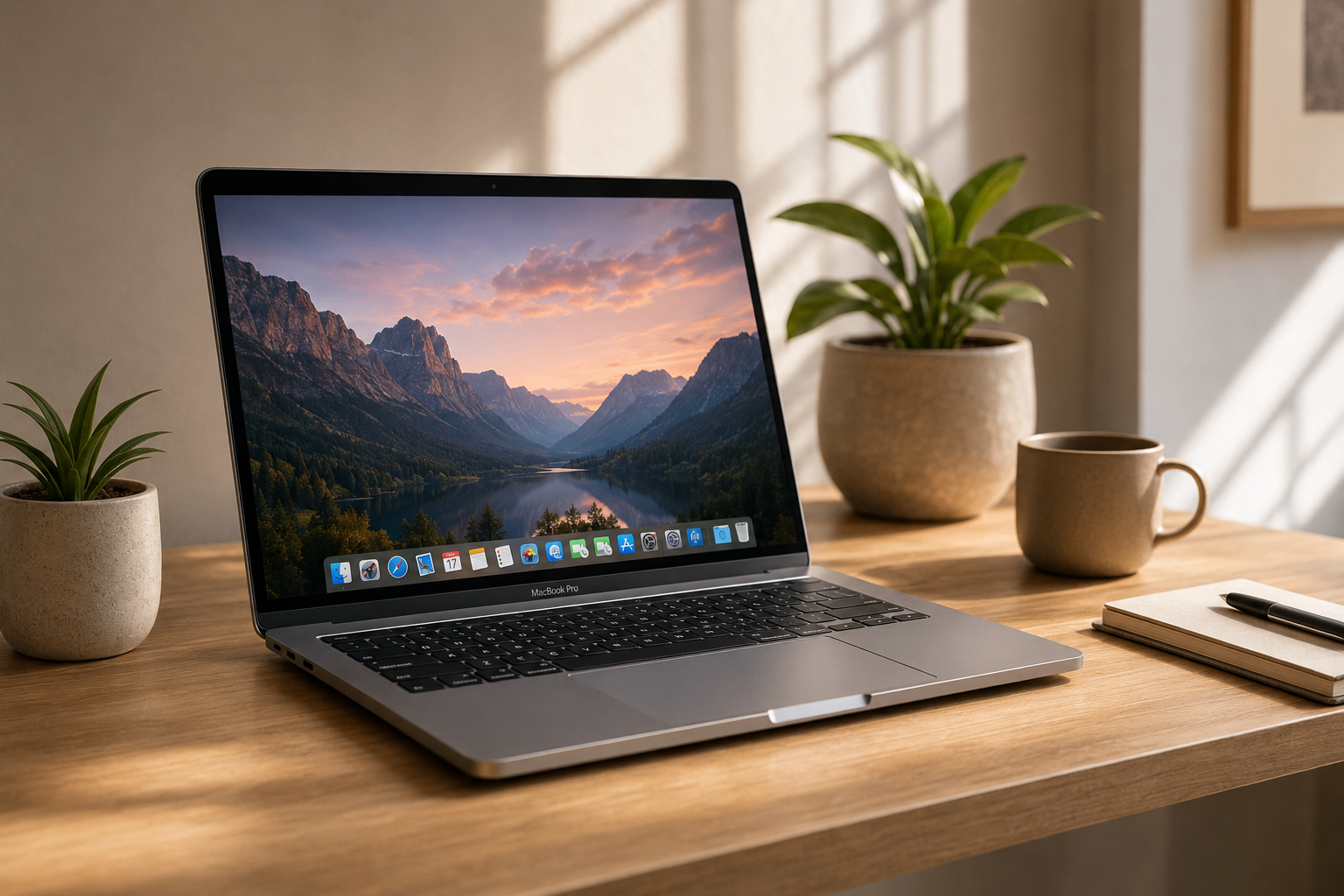
Remote troubleshooting for Windows 10 and 11 and for macOS — slow performance and long startup times, applications that crash or will not open, updates that stall or fail, confusing error messages, and email or software that stopped working after a change. We also help sort out security software conflicts and general software configuration on the computer you already own.


Printers & Scanners
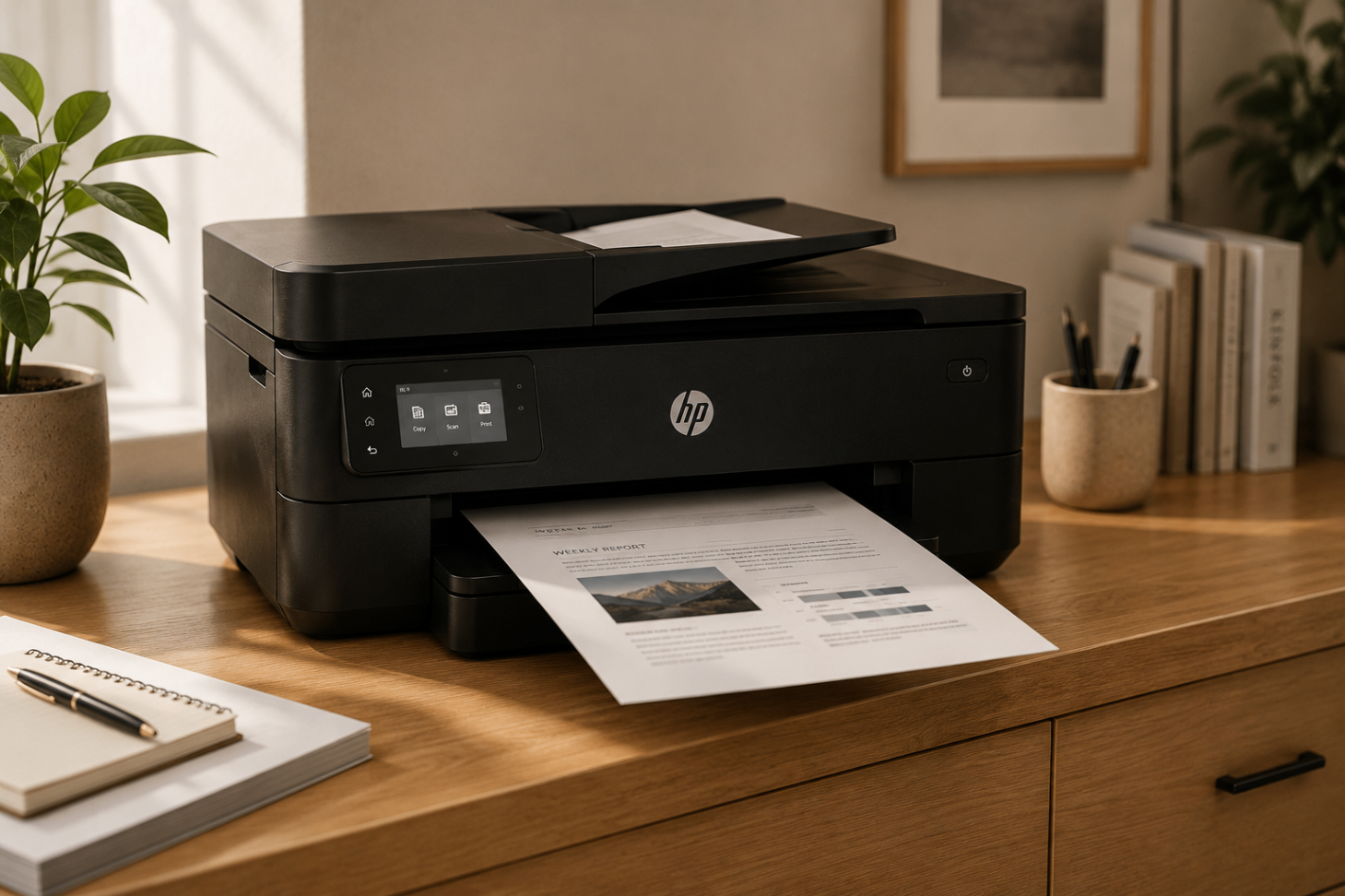
Wireless printer setup and troubleshooting handled remotely: installing manufacturer software and drivers, clearing “printer offline” errors, unsticking a stalled print queue or print spooler, reconnecting a printer to your Wi-Fi network, and getting scanner software working again. Common HP, Canon, Epson and Brother models included, along with printing from phones and tablets.


GPS Devices
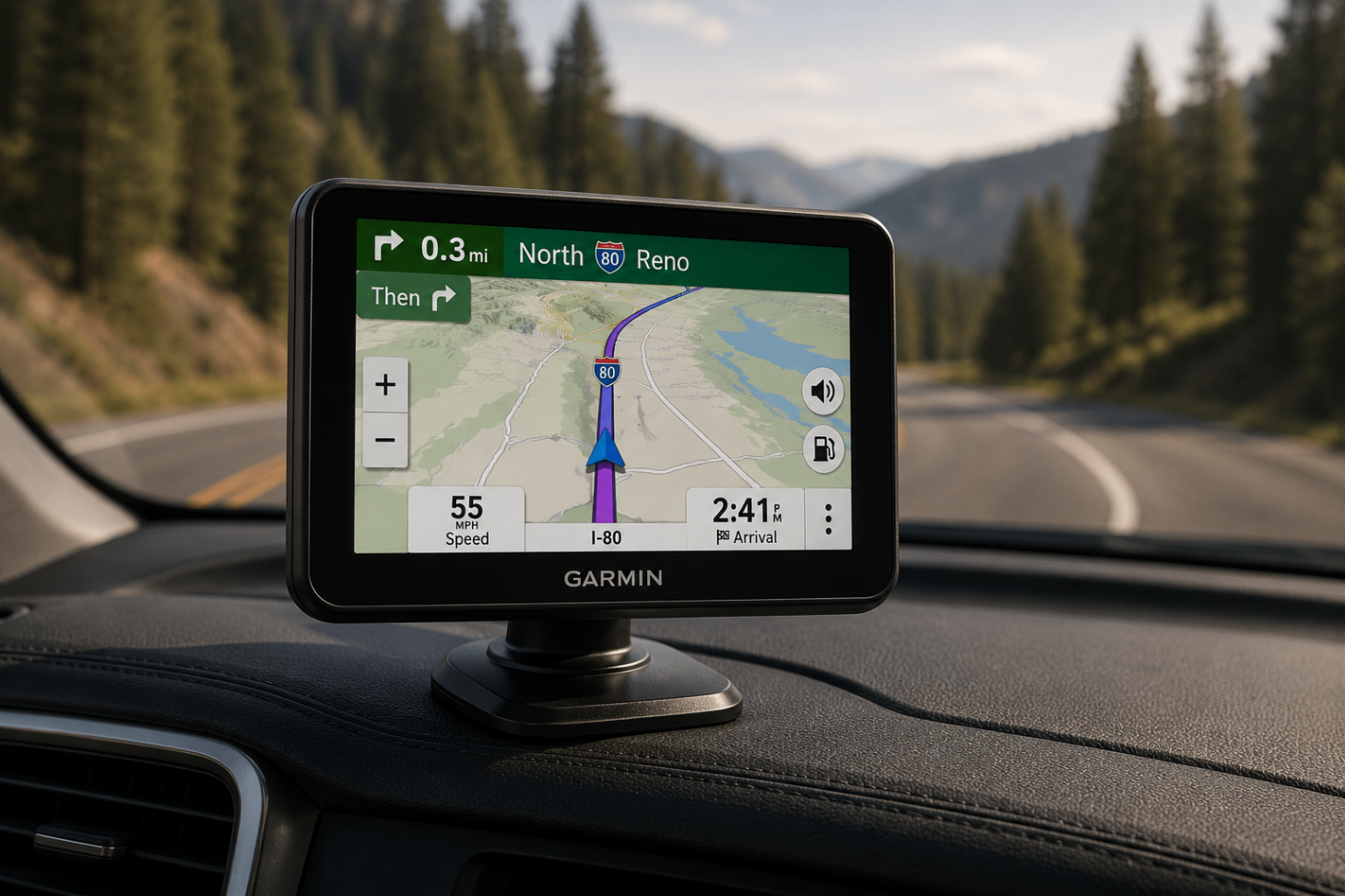
Software and settings help for Garmin, TomTom, Magellan and similar navigation devices: installing map updates, applying firmware and software updates, connecting the device to your computer, signing in to or syncing the manufacturer account, configuring navigation preferences, and working through search or satellite issues that come down to settings or outdated software.


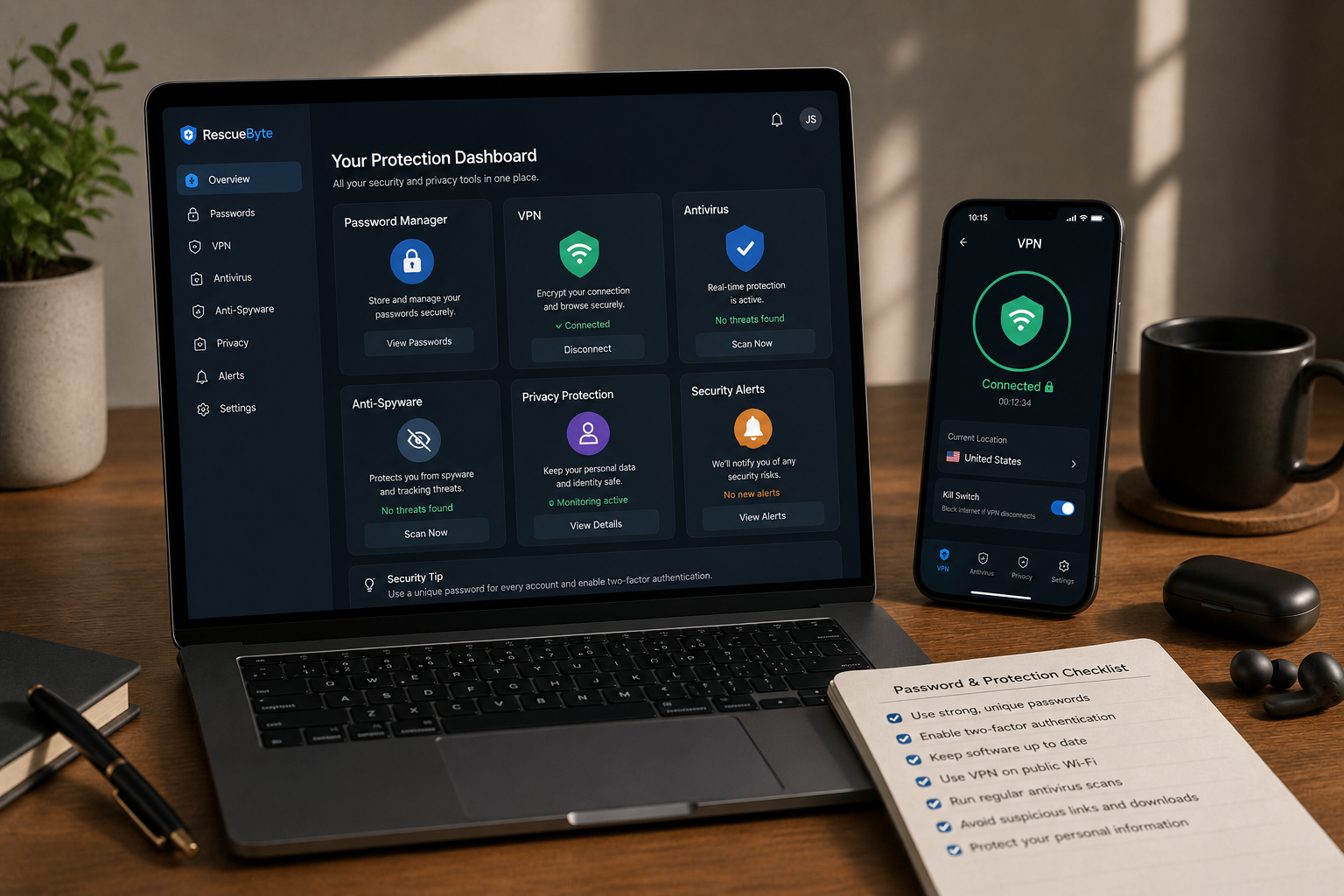
Passwords & Protection
Account and security configuration: setting up a password manager, walking you through the provider's own password recovery steps, turning on multi-factor authentication, reviewing privacy settings, configuring antivirus or security software, and troubleshooting sign-in problems. You stay in control — we guide and configure with your authorization, never bypass account security.


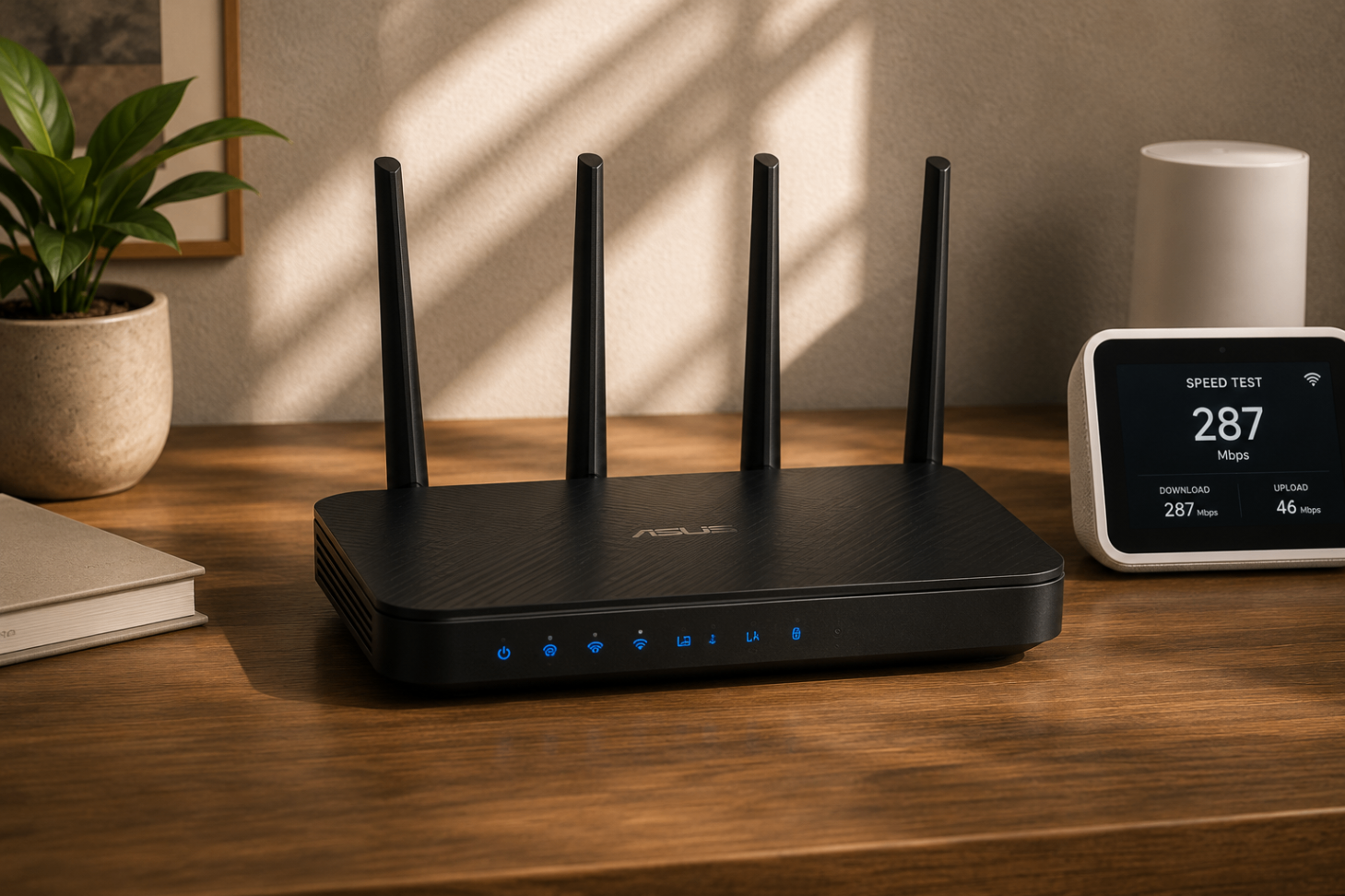
Wi-Fi & Networking
Router configuration and connectivity troubleshooting for your existing equipment: naming and securing your Wi-Fi, separating or aligning 2.4 GHz and 5 GHz bands, setting up mesh systems and extenders you already have, reconnecting devices that keep dropping off, checking IP and DNS settings, and tracking down why the connection cuts out at certain times or in certain rooms.


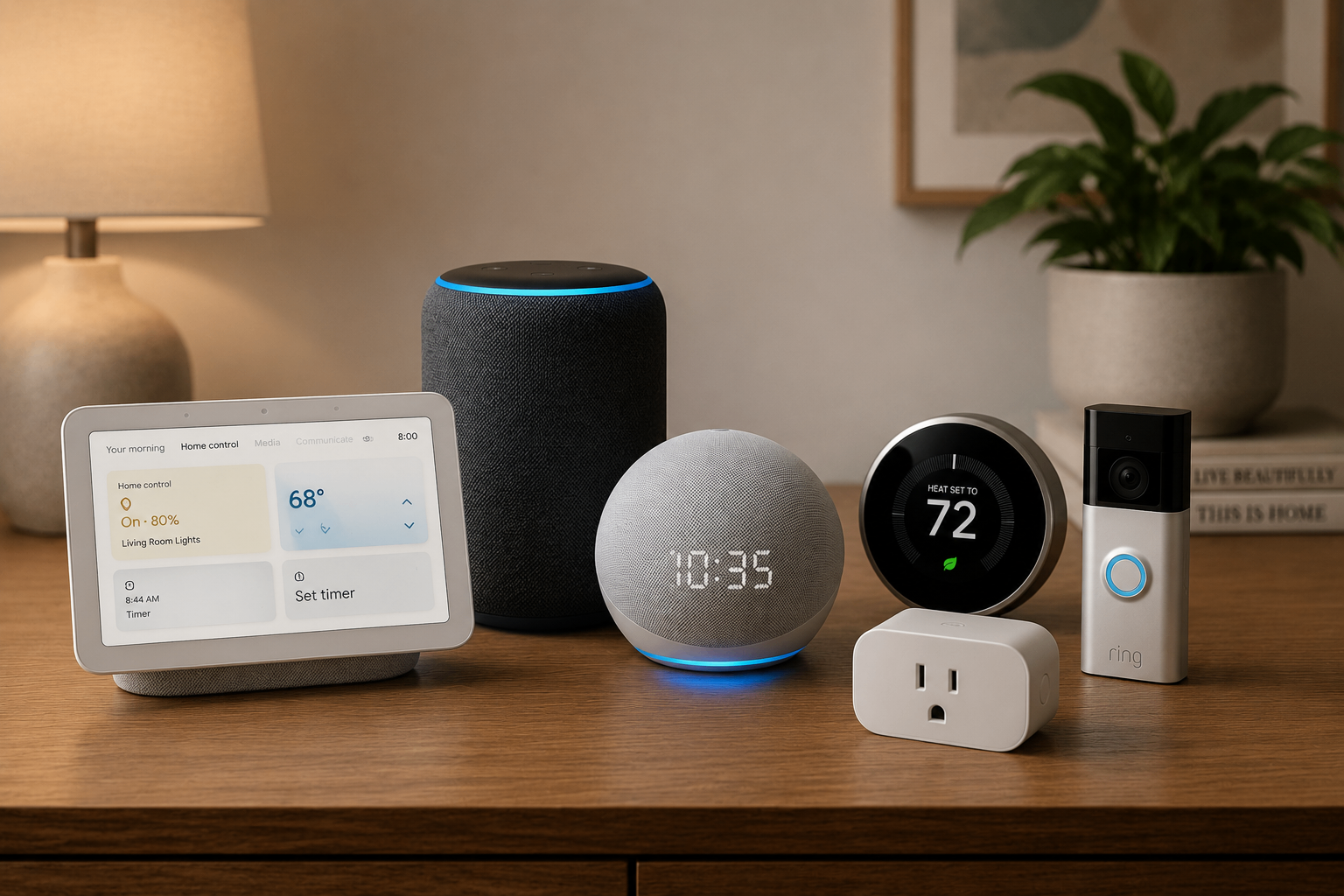
Smart Home Devices
App and account help for smart speakers, smart displays, lighting, plugs and thermostats: pairing a device that will not be found, linking accounts between an app and a voice assistant, reconnecting devices after a Wi-Fi or password change, organising rooms and groups, and setting up routines so the schedules and voice commands behave the way you expect.


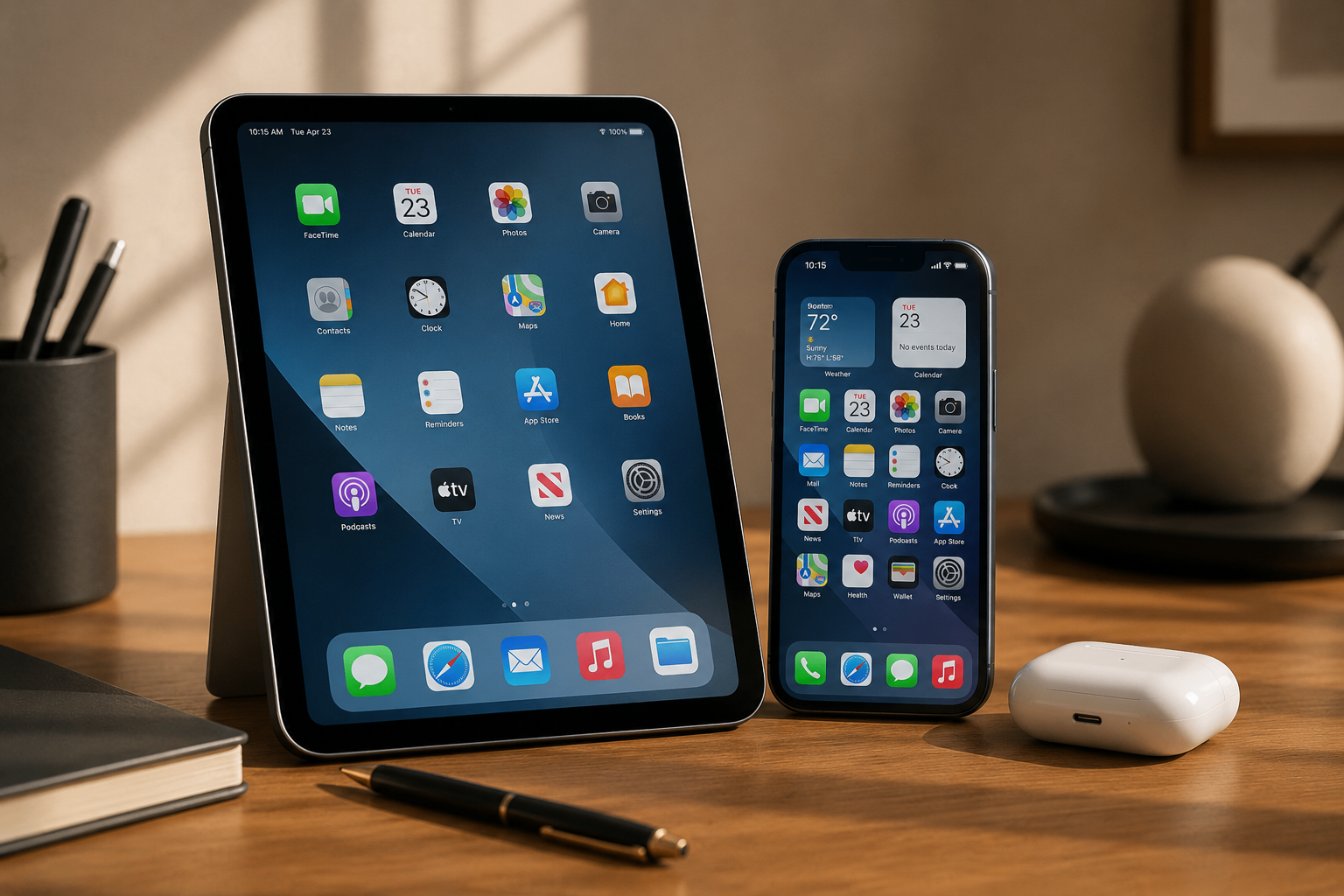
Tablets & Phones
Software and settings support for iPhone, iPad and Android: signing in to Apple or Google accounts, fixing sync and cloud backup settings, sorting out apps that crash or will not update, setting up email, freeing storage, and guidance on moving photos, contacts and messages to a new phone or tablet. Configuration help only — no screen or battery work.


Security Cameras
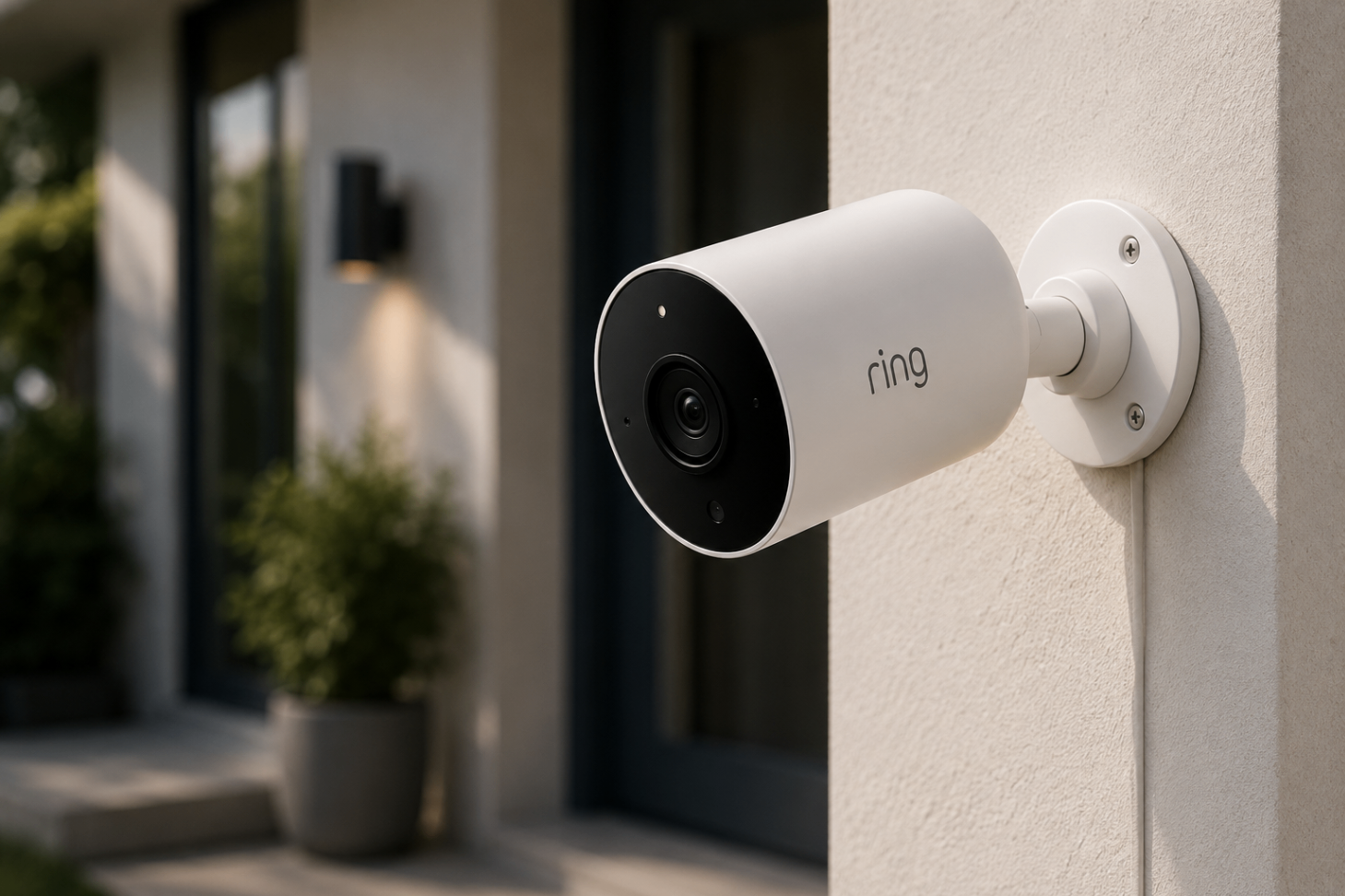
Remote configuration for Ring, Arlo, Eufy, Nest and similar platforms: creating or signing in to the camera account, pairing a camera to your Wi-Fi, restoring a live view that stopped loading, tuning motion zones and sensitivity so alerts are useful, reviewing cloud recording plans and storage settings, and fixing notifications that arrive late or not at all.

RescueByte is an independent remote technical support provider and is not affiliated with or endorsed by the brands mentioned above.
What Can We Help You With?
Software Problems
- Applications crashing or freezing
- Windows and macOS configuration
- Software installation and setup
- Updates that fail or stall
- Slow startup and sluggish performance
- Error messages you can't interpret
Connectivity Problems
- Wi-Fi that drops or won't connect
- Printer connectivity over the network
- Router settings and configuration
- Bluetooth pairing
- Smart devices that fall offline
Account & Security Problems
- Password manager setup
- Multi-factor authentication (MFA/2FA)
- Account and profile configuration
- Privacy settings review
- Antivirus and security software
Device Configuration
- Phones and tablets
- Printers and scanners
- GPS maps and navigation software
- Smart-home devices and routines
- Security camera apps and alerts
How our Support Works
- Step 1
Tell Us What's Wrong
You describe the problem through the online support process — what the device is doing, what changed recently, and what you have already tried. That gives the technician a starting point before any session begins.
- Step 2
Connect Securely
When it makes sense for your issue, you can start a temporary remote support connection using the approved RescueByte support process. The session runs with your permission and you can end it at any time.
- Step 3
Diagnose & Troubleshoot
The technician works through the relevant software settings, application and operating-system behaviour, account configuration and network connectivity to find what is actually causing the problem.
- Step 4
Test & Confirm
The fix is tested with you — printing a page, loading the camera view, reconnecting the device, opening the app — and the settings or software involved are verified before the session ends.
Frequently Asked Questions About Remote Tech Support
RescueByte provides remote technical support for software, configuration, connectivity, accounts, and everyday technology problems. Support includes computers, printers, Wi-Fi networks, phones, tablets, GPS devices, security cameras, smart-home technology, and related software.
No. RescueByte provides remote technical and software support. We troubleshoot software, settings, accounts, applications, connectivity, and configuration issues. We do not perform physical hardware repairs or component replacement.
Yes. RescueByte can provide remote troubleshooting and configuration assistance for Windows and macOS computers, including software problems, updates, application issues, settings, performance-related problems, and connectivity.
Yes. We can help configure compatible printers and scanners, install or troubleshoot manufacturer software and drivers, resolve common offline or print-queue problems, and troubleshoot wireless printing.
No. RescueByte is designed for remote support, so there is no need to bring your computer or other supported technology to a physical repair shop.
Technology problems do not always fit neatly into categories. If your issue involves software, settings, accounts, connectivity, or configuration, contact RescueByte and we can determine whether remote support is appropriate.
Looking for step-by-step reading first? Our guides cover common issues like printers showing offline and slow computers.
Don't see your device?
Technology doesn't always fit neatly into categories. If your issue involves software, settings, accounts, connectivity or configuration, tell us what's happening and we can determine whether remote support is appropriate.