
We support the technology you already own.
Whether you're setting up a new printer, reconnecting to Wi-Fi or fixing printing and scanning problems, RescueByte provides secure online support for today's leading printer brands. Need help setting up your printer? See our guide to computer and printer setup.




Also supporting Lexmark, Xerox, Ricoh, Kyocera, Fujitsu, Samsung printers, and many other compatible devices.
We can help if…
- Printer won't print
- Printer is offline
- Printer won't connect to Wi-Fi
- Scanner isn't working
- Paper jam errors
- Blank pages
- Poor print quality
- Driver problems
- AirPrint not working
- Mobile printing issues
- Printer not detected
- Printing is very slow
Not on the list? Tell us what’s happening and a specialist will take a look with you online.
Everything your printer needs, handled.
New Printer Setup
Unboxing, connecting, installing ink or toner, and getting your printer ready for its first print with confidence.
Wireless Printer Setup
Connect your printer to Wi-Fi so every computer and phone in the home can print without cables.
Printer Troubleshooting
Streaks, jams, error messages and stuck jobs — we find the cause and get printing back to normal.
Scanner Setup
Configure scan-to-computer, scan-to-email, and document scanning for a fully functional all-in-one workflow.
Driver Installation
The correct drivers installed for Windows or Mac so your printer runs smoothly and stays up to date.
Printer Offline Fixes
When a printer suddenly stops responding, we diagnose the cause and bring it back online — reliably.
Mobile Printing
AirPrint, Mopria, and manufacturer apps configured so you can print from iPhone, iPad, or Android.
Scan to Computer
Set up scanning so documents and photos land right where you need them, every time.
Ink and Cartridge Setup
Installing new ink or toner cartridges correctly and calibrating your printer for crisp, clean pages.
Small Office Printer Support
Remote support for shared printers, network printing, and ongoing maintenance so work never stalls.
One technician. One solution.
Instead of contacting your printer manufacturer, computer manufacturer and internet provider separately, RescueByte diagnoses the complete setup and fixes the real issue remotely.
Instead of contacting:
- • Printer manufacturer
- • Computer manufacturer
- • Internet provider
- • Router company
- • Mobile app support
- • Ink supplier
We check:
- Printer
- Computer
- Drivers
- Wi-Fi
- Router
- Print settings
- Scanner settings
- Mobile printing
- Updates
- Accounts
One technician.
One diagnosis.
No runaround.
Read before you print.

Printer offline? Here's how to get your printer working again.
An “Offline” message usually means your computer has stopped talking to your printer — not that the printer has failed. Here are the checks we work through with members every day, for HP, Canon, Epson and Brother printers on Windows and Mac.
Read the guide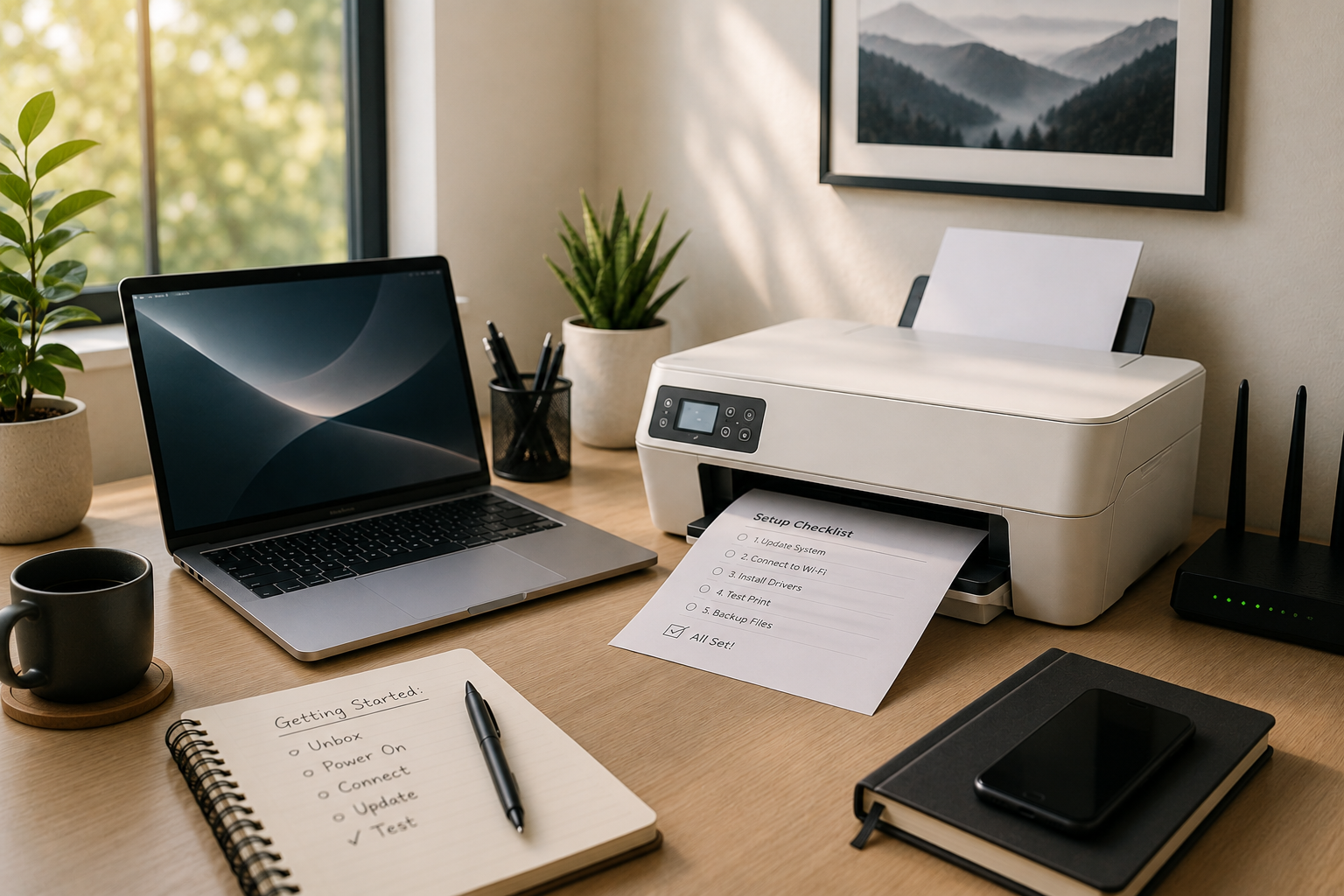
Computer & printer setup: five things to do before you start.
A few careful steps during setup can prevent hours of frustration later. Here's how to get your new computer and printer running smoothly from day one.
Read the guideAnswers before you call.
Most Wi-Fi issues come from the printer being on a different network band, incorrect network credentials, or outdated firmware. A RescueByte specialist can walk through your network settings and get the printer reconnected reliably.
'Offline' usually means your computer has lost communication with the printer. Common causes include Wi-Fi drops, driver conflicts, or a paused print queue. We diagnose the exact cause and restore normal printing.
Yes. RescueByte supports all major printer brands including HP, Canon, Epson and Brother, across inkjet, laser, and all-in-one models for home and small office use.
Absolutely. We configure your printer on your home Wi-Fi and set up every computer and mobile device so anyone in the home can print wirelessly.
Yes. We install the correct, most current drivers for Windows or Mac, remove conflicting older drivers, and confirm the printer runs smoothly end to end.
Ready to get your printer working?
A RescueByte specialist can walk through setup, wireless configuration, or any current issue — patiently and start-to-finish.