
We support the technology you already own.
Whether you’re setting up a new computer, fixing a slow PC, troubleshooting software or connecting your devices, RescueByte provides secure online support for the computers you use every day. If your computer has suddenly become slow, see our guide to common causes and fixes for a slow computer.


We can help if…
- Computer is running slow
- Windows won't start
- Mac won't turn on
- Laptop won't connect to Wi-Fi
- Computer keeps freezing
- Blue screen errors
- Apps keep crashing
- Printer won't print
- Email not working
- Microsoft Office problems
- Files disappeared
- Storage is full
Not on the list? Tell us what’s happening and a specialist will take a look with you online.
Everything your computer needs, handled.
New Computer Setup
Get your new computer set up securely and ready for everyday use, right out of the box.
Slow Computer Help
Speed things back up by clearing out what's slowing your computer down.
Windows Troubleshooting
Fix crashes, error messages, startup problems, and everyday Windows issues.
Mac Troubleshooting
Help with Mac updates, settings, software issues, and everyday troubleshooting.
Software Installation
Install and set up the everyday programs and apps you rely on, done correctly.
Email Setup
Get your email account connected and working properly on any device.
Microsoft Office Help
Support with Word, Excel, Outlook and other everyday Office programs.
File Transfer
Move your files, photos and documents safely between computers.
Printer Connection
Get your printer connected and printing again, wired or wireless.
System Updates
Keep your computer current with the latest updates, installed the right way.
Backup Assistance
Set up a reliable backup so your files and photos are always protected.
One technician. One diagnosis.
Instead of contacting your computer manufacturer, printer company, software provider and internet provider separately, RescueByte finds the real cause of the problem and fixes it remotely.
Instead of contacting:
- • Computer manufacturer
- • Printer company
- • Software provider
- • Internet provider
- • Email provider
- • App support
We check:
- Computer
- Operating system
- Software
- Updates
- Storage
- Internet
- Wi-Fi
- Printer connection
- Accounts
- Settings
One technician.
One diagnosis.
No runaround.
Practical reading.

Printer offline? Here's how to get your printer working again.
An “Offline” message usually means your computer has stopped talking to your printer — not that the printer has failed. Here are the checks we work through with members every day, for HP, Canon, Epson and Brother printers on Windows and Mac.
Read the guide
Why is my computer running slow? 10 common causes (and how to fix them).
A slow computer usually has an identifiable cause. Here are the ten most common reasons a PC or Mac slows down, the fixes you can safely try yourself, and when it's worth asking for help.
Read the guide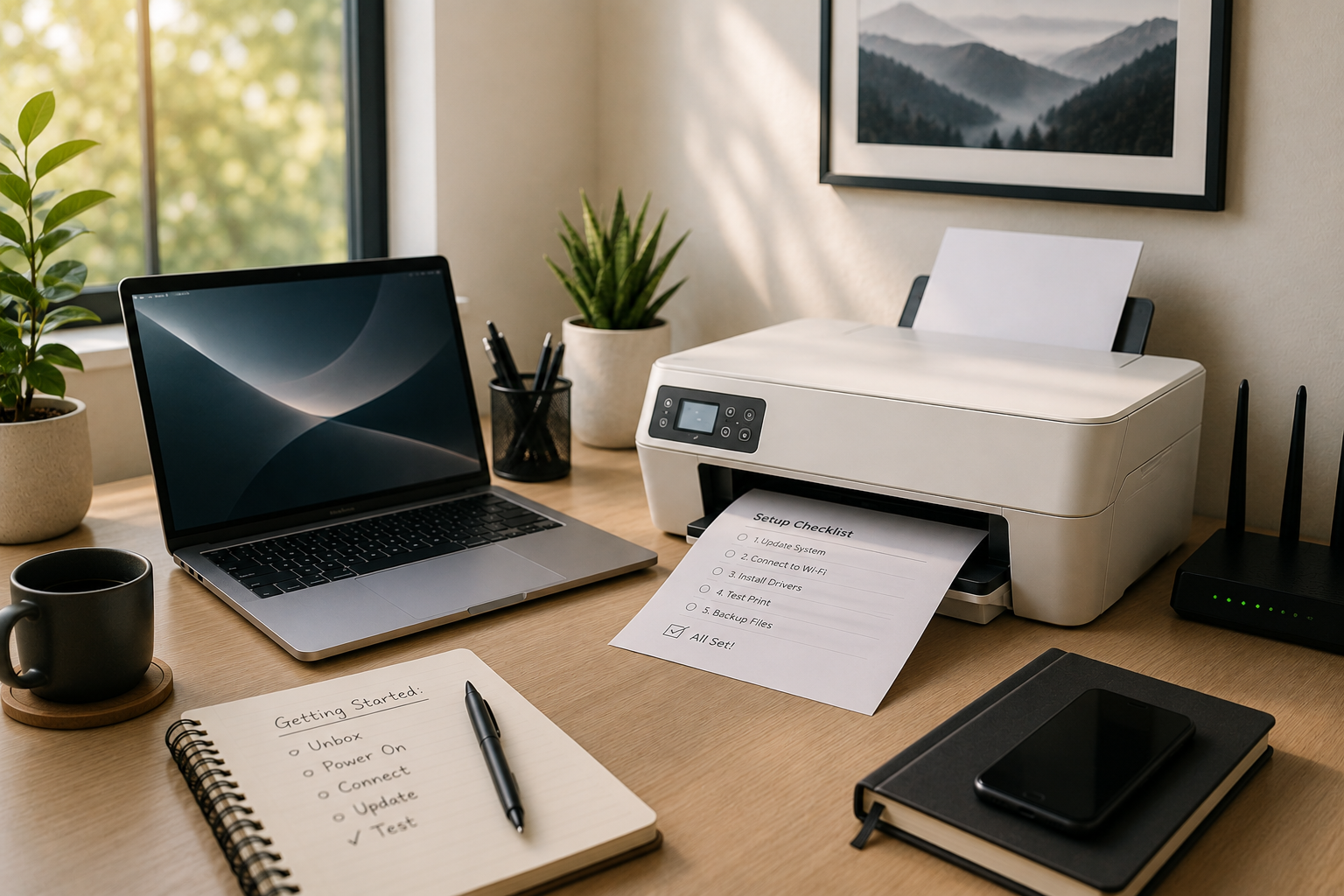
Computer & printer setup: five things to do before you start.
A few careful steps during setup can prevent hours of frustration later. Here's how to get your new computer and printer running smoothly from day one.
Read the guideAnswers before you call.
Slow performance usually comes from too many startup programs, low free storage, outdated software, or unwanted background applications. A RescueByte specialist can review your system remotely, clean up what's slowing it down, and restore everyday responsiveness.
Yes. RescueByte is a remote-first technology concierge. With your permission, a specialist connects securely to your computer, shows you what they're doing, and disconnects when the session ends. Remote computer support is available across the U.S. and Canada.
We do. Our specialists handle Windows support and Mac support equally, support includes updates, settings, crashes, error messages, software issues, and everyday computer troubleshooting on both platforms.
Yes. During a new computer setup we can help move documents, photos, and other essentials from your old computer to the new one, then confirm everything opens correctly before we finish.
Absolutely. We handle software installation and configuration for everyday applications like office suites, browsers, printers, cloud storage, and more, making sure each is downloaded from a legitimate source and set up correctly.
In most cases, yes. We can help with malware removal, uninstall unwanted programs and browser extensions, review security settings, and advise on safer habits. If a machine is too compromised to repair remotely, we'll tell you plainly.
Yes. Many older laptops and desktops run well with a little attention. We'll help with performance optimization, updates, and storage cleanup and give you an honest opinion when a computer is genuinely at the end of its useful life.
Ready to get your computer running smoothly?
A RescueByte specialist can securely help with setup, troubleshooting, software installation, performance optimization, and everyday computer issues—all remotely across the U.S. and Canada.