Setting up a new computer or printer should feel straightforward, yet it's often where small oversights create bigger frustrations later. Taking a little extra time at the beginning can save hours of troubleshooting down the road.
Whether you're replacing an old device or setting up one for the first time, these five steps help ensure everything works reliably from day one.
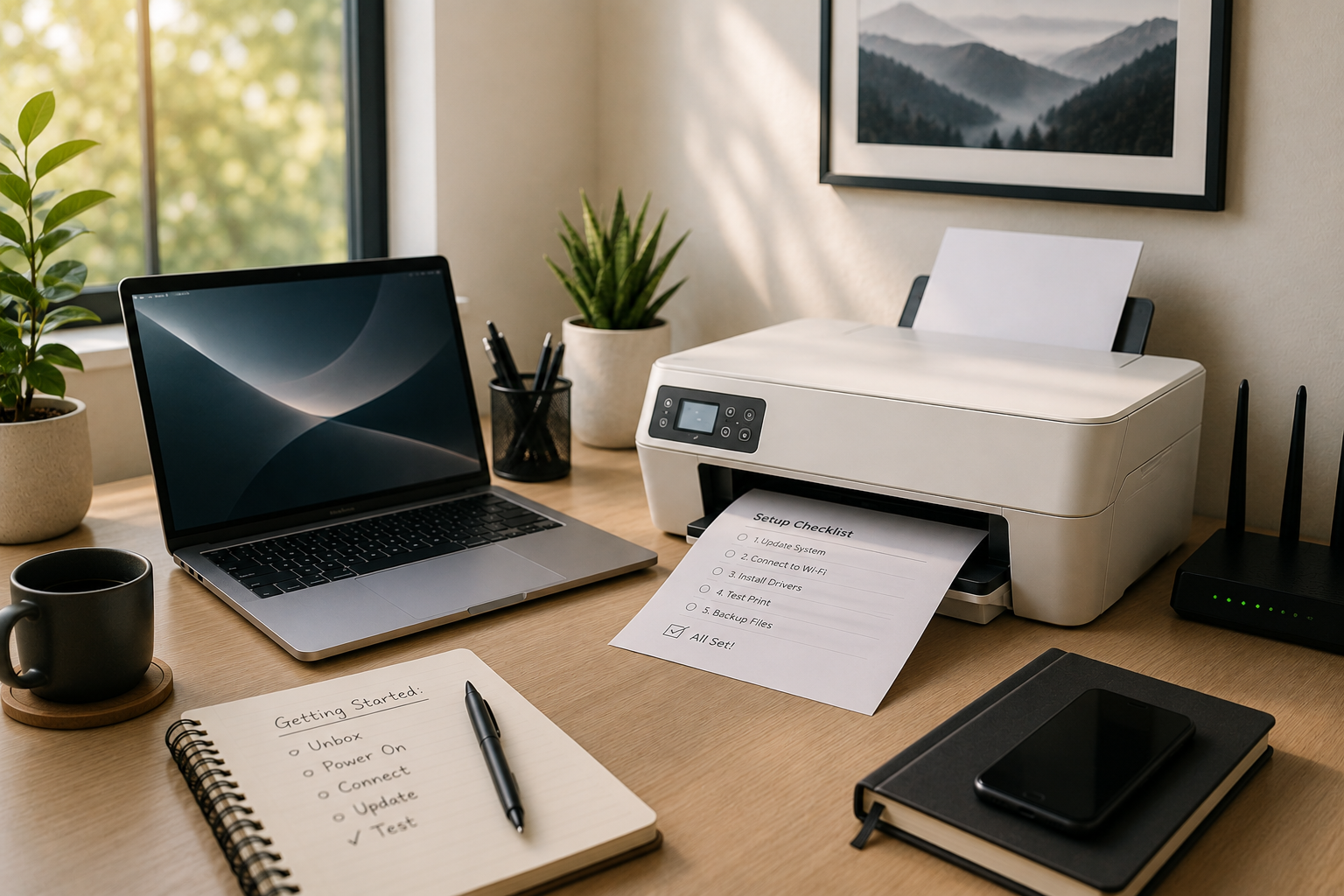
1. Unbox carefully and keep the essentials.
Before plugging anything in, keep the original box, manuals, cables, and any setup information.
Many manufacturers include warranty details, recovery instructions, or accessories that can be difficult to replace later. Keeping everything together also makes future moves or warranty claims much easier.
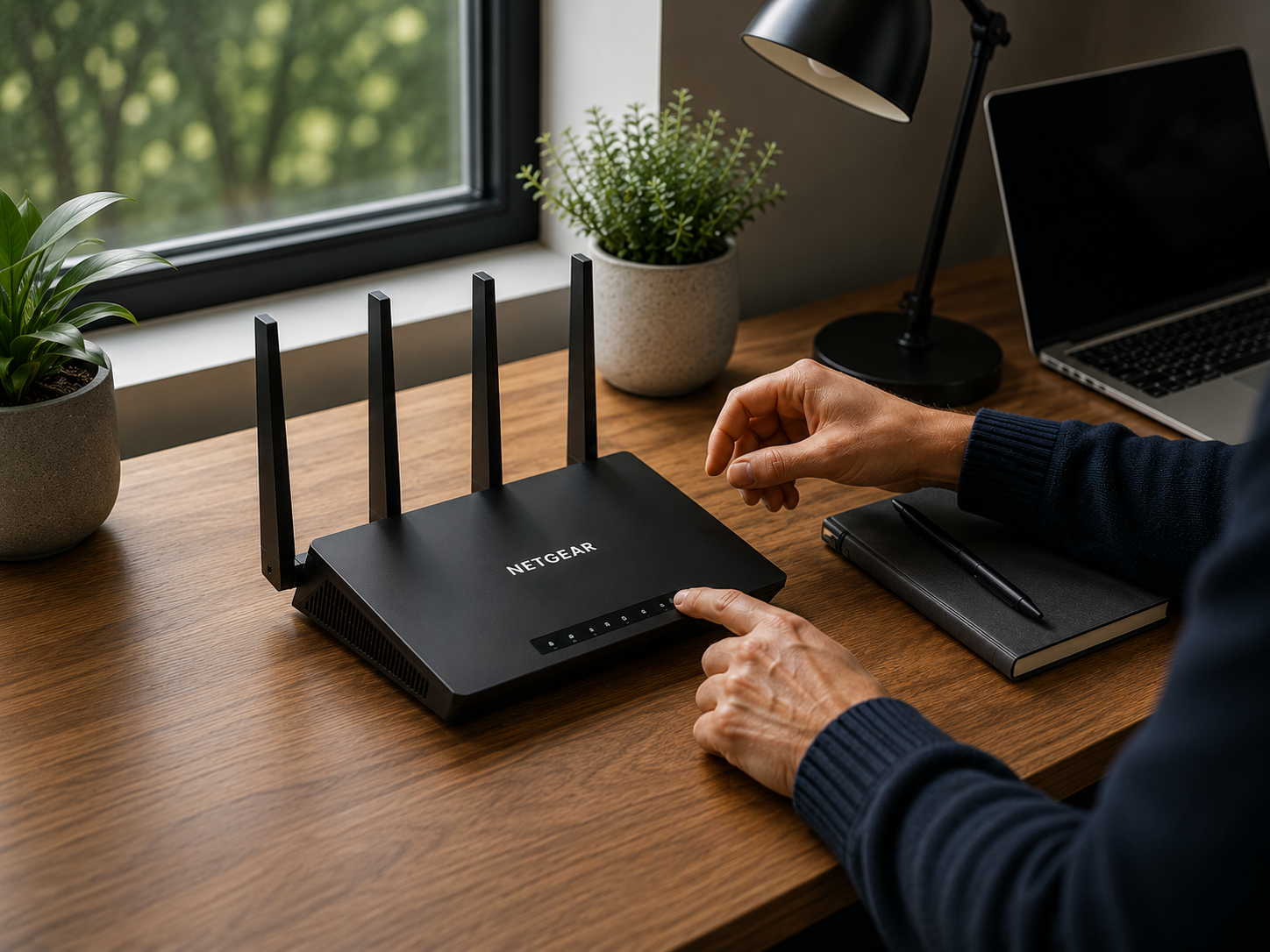
2. Connect to a reliable Wi-Fi network.
A stable internet connection is essential during setup.
Most computers will download important security updates, device drivers, and software improvements during the first startup. Interrupting this process with an unstable connection can lead to incomplete updates or configuration issues.
If possible, complete the initial setup before installing additional applications.
3. Install software updates first.
New devices are often manufactured months before they reach your home.
Before copying files or installing programs, allow Windows or macOS to install all available updates and restart if prompted.
Printers may also receive firmware updates that improve compatibility, print quality, and reliability.
Starting with the latest software helps avoid many common setup problems.
4. Add your printer the right way.
Rather than installing software from an old CD or downloading random drivers online, begin by using your computer's built-in printer setup.
Modern operating systems automatically detect and configure many printers correctly.
If additional software is needed, download it only from the manufacturer's official website.
Once installed, print a simple test page to confirm everything is working as expected.
5. Back up important information early.
Before you begin using your new computer every day, set up a backup solution.
Whether you choose an external hard drive or a trusted cloud service, regular backups protect photos, documents, and personal files if something unexpected happens.
A backup is easiest to create before your computer fills with years of valuable information.
A few good habits.
Once your computer and printer are working properly, there are a few habits that help keep them running smoothly:
- Install updates regularly.
- Restart your computer every few days.
- Use strong, unique passwords for your accounts.
- Remove software you no longer use.
- Print a test page occasionally if your printer sits unused for long periods.
When it's worth asking for help.
Sometimes a setup involves more than connecting a single device.
Moving files from an older computer, connecting multiple printers, configuring a home office, or troubleshooting Wi-Fi issues can quickly become more complicated than expected.
If you're unsure about a step, it's often easier to ask before making changes that are difficult to reverse.
RescueByte specialists can securely help with computer and printer setup remotely, explain each step in plain language, and ensure everything works together before you begin using your new devices.
Still need help?
If you're still experiencing problems, connect with a RescueByte specialist for one-on-one online assistance.
Connect